Product/AI Creative Studio
Make anything.Make it look expensive.
Product shots, ads, video with sound, a face for your brand, a voice, a sound, a 3D model. Describe it once and get work that looks like a shoot, not a guess.
Rolling out to workspaces in early access
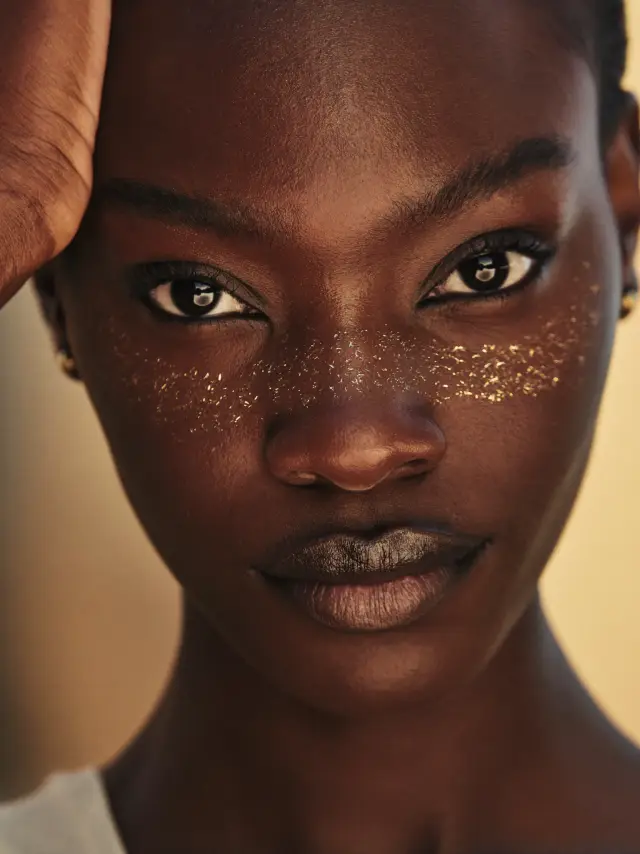
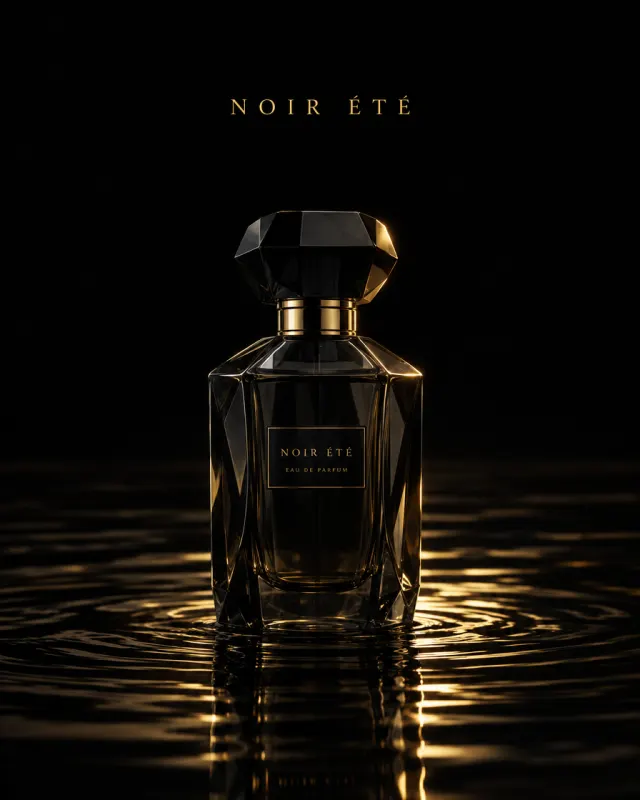
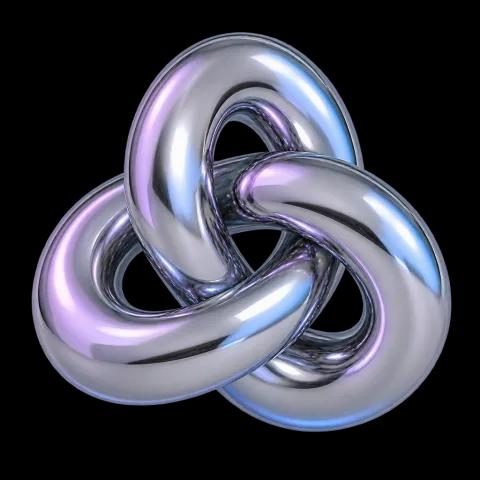

A tool for every job
Say what you need. Pick the tool.
A model in a cream linen suit walking through desert dunes at golden hour, editorial
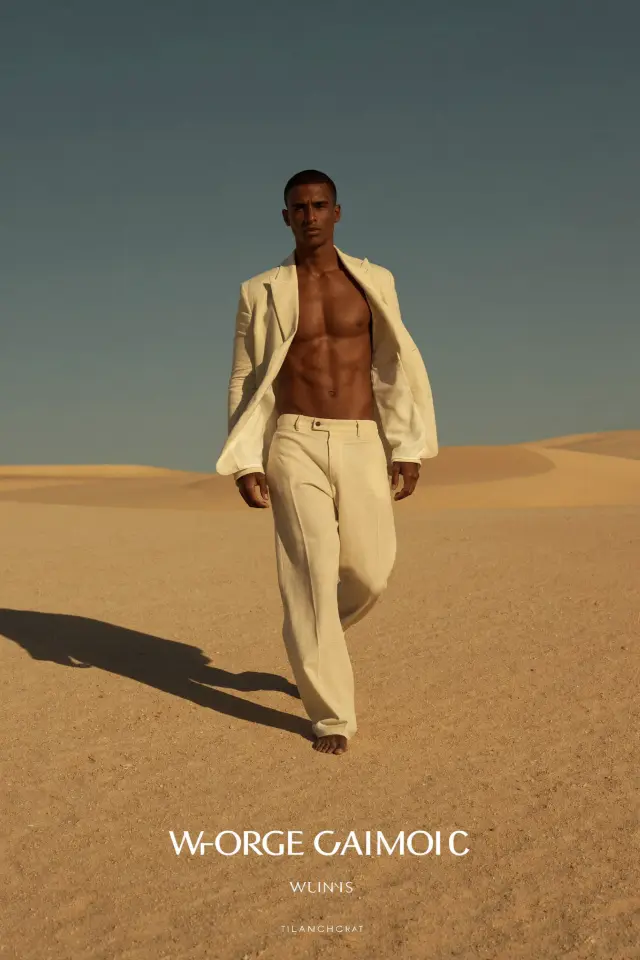
Ads
Your product, in every scene.
- Your real product, not a lookalike
- Every ad shape, from story to banner
- Variations in one run

Your next campaign
A full shoot for the price of a coffee.
Product shots, ads, and video that look expensive, with the price shown before every run.
Characters
One face, every scene.
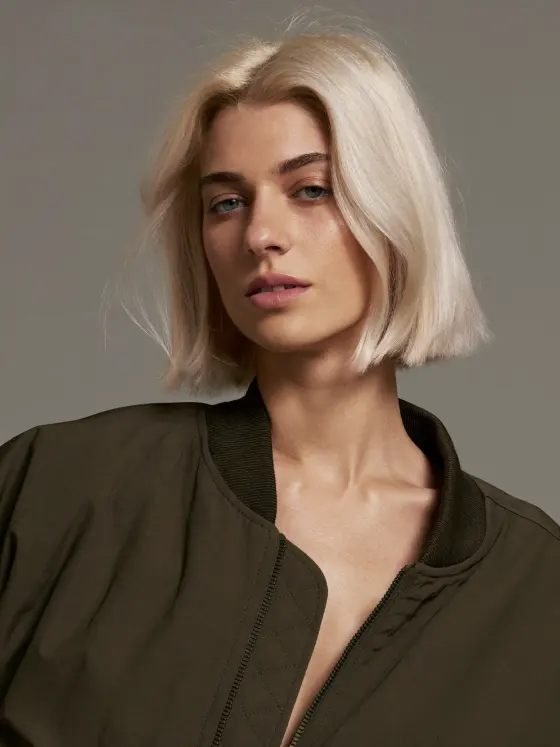
In the studio
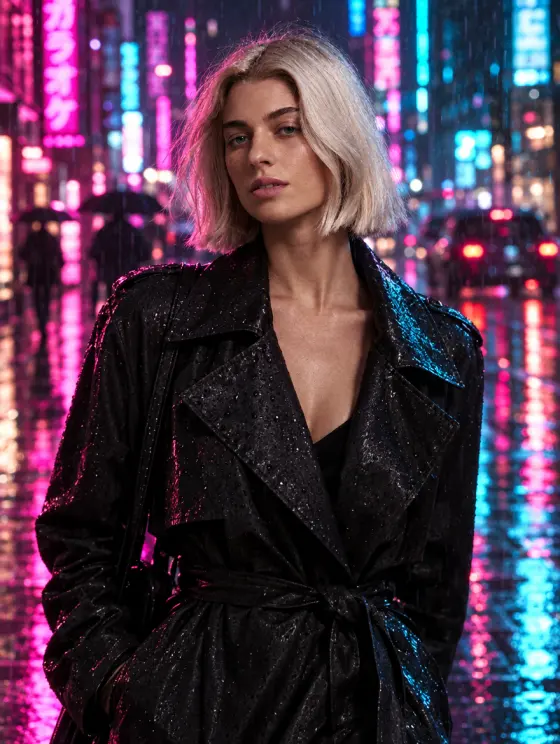
On a neon street at night
On a sunny terrace
Video and Director
Shots you direct like a film.
Voice, sound, and 3D
The parts people forget to make.
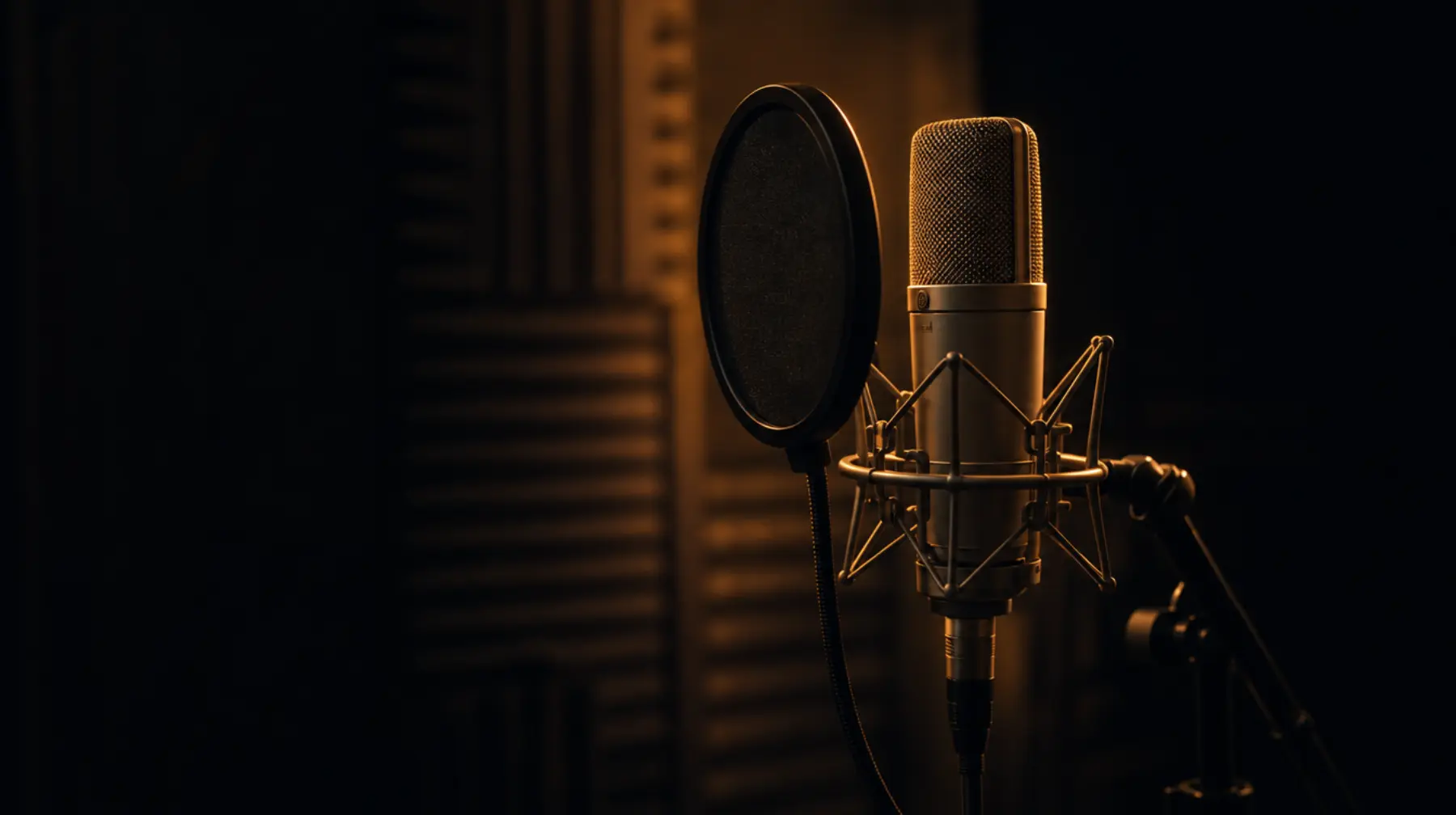
Voice
Narration and dialogue in lifelike voices, or a voice designed for your brand.

Sound
Effects, ambience, ad beds, and sonic logos, made to order.

3D
Models from a photo or a description, ready for the web and an iPhone AR view.
Made for real work
No surprises. No lost files.
Price first
The credit cost is shown before anything runs.
One library
Every result kept, searchable, and reusable.
Make another like it
Every result keeps the prompt and settings that made it.
Every shape
Square, portrait, story, or wide, ready to post.
What can I make in Creative Studio?
Images, video clips with sound, directed scenes, product ads, consistent characters, voiceovers, sound effects and music, and 3D models, all from one place.
Do I need to know how to write prompts?
No. Each tool asks for what matters for that job and fills in good defaults for the rest. Start from an example, describe it in plain words, or add a product photo or reference.
Can I keep the same person across images and videos?
Yes. Train a character once from a few photos, then put the same face in any scene, in images and in video.
Can I use my real product?
Yes. Add a photo of your product and the Ads tool places it into new scenes and ad formats, keeping it as it really looks.
How much does it cost?
Every run shows its price in credits before it starts. Credits come with your plan each month, and you can top up if you need more.
Where do my creations go?
Into your library, with the prompt and settings that made them, ready to use in the Video Editor, a social post, or your app.
Your next campaign, without the shoot.
Describe it, pick the tool, and see the price before it runs.