Product/AI Video Editor
Edit like a pro.Without learning how.
Drop in your clips and say what you want. Captions people actually read, color that looks graded, sound that sounds finished, and a version for every feed, from one edit.

Watch the pour
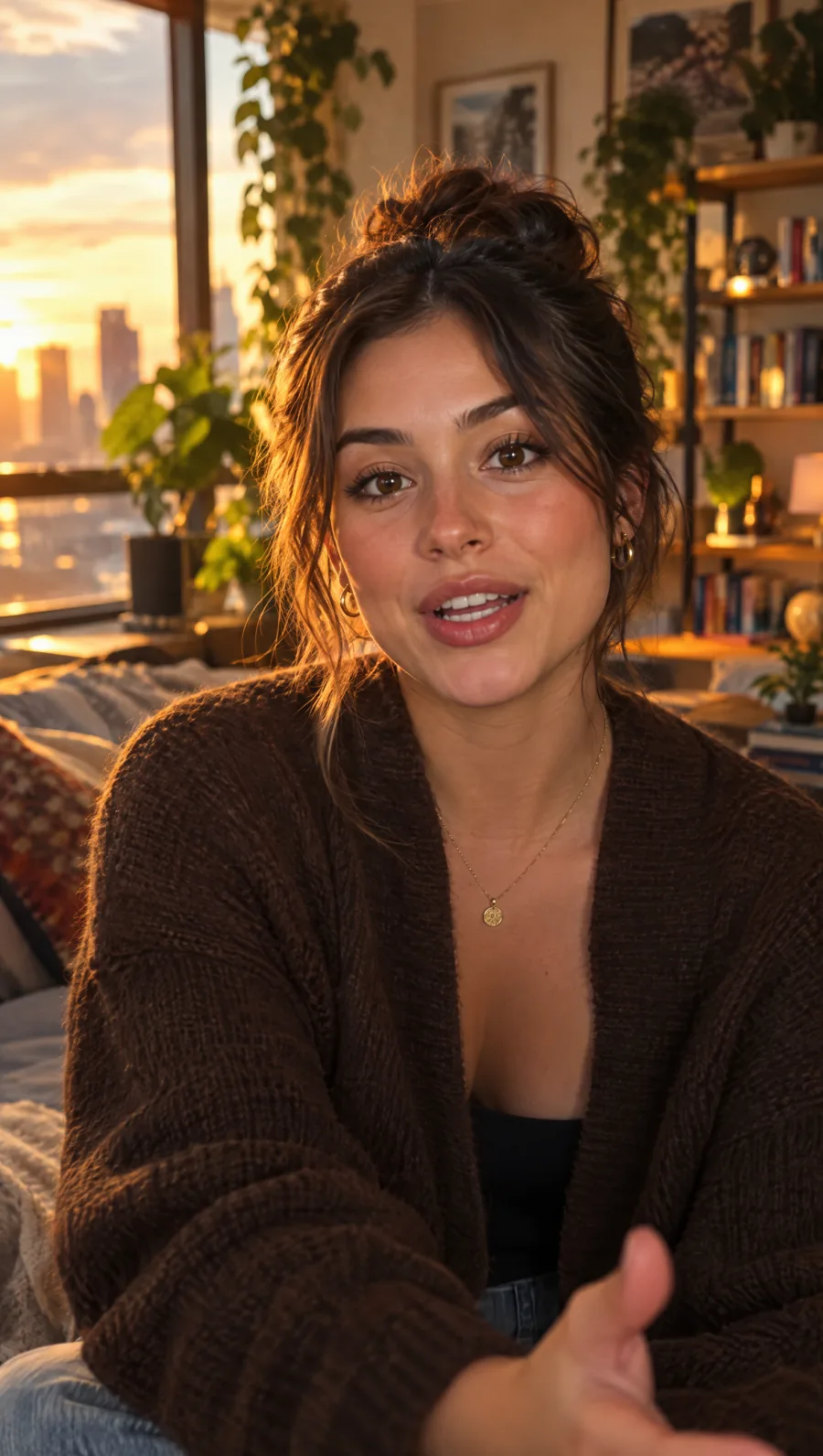
THIS CHANGED EVERYTHING
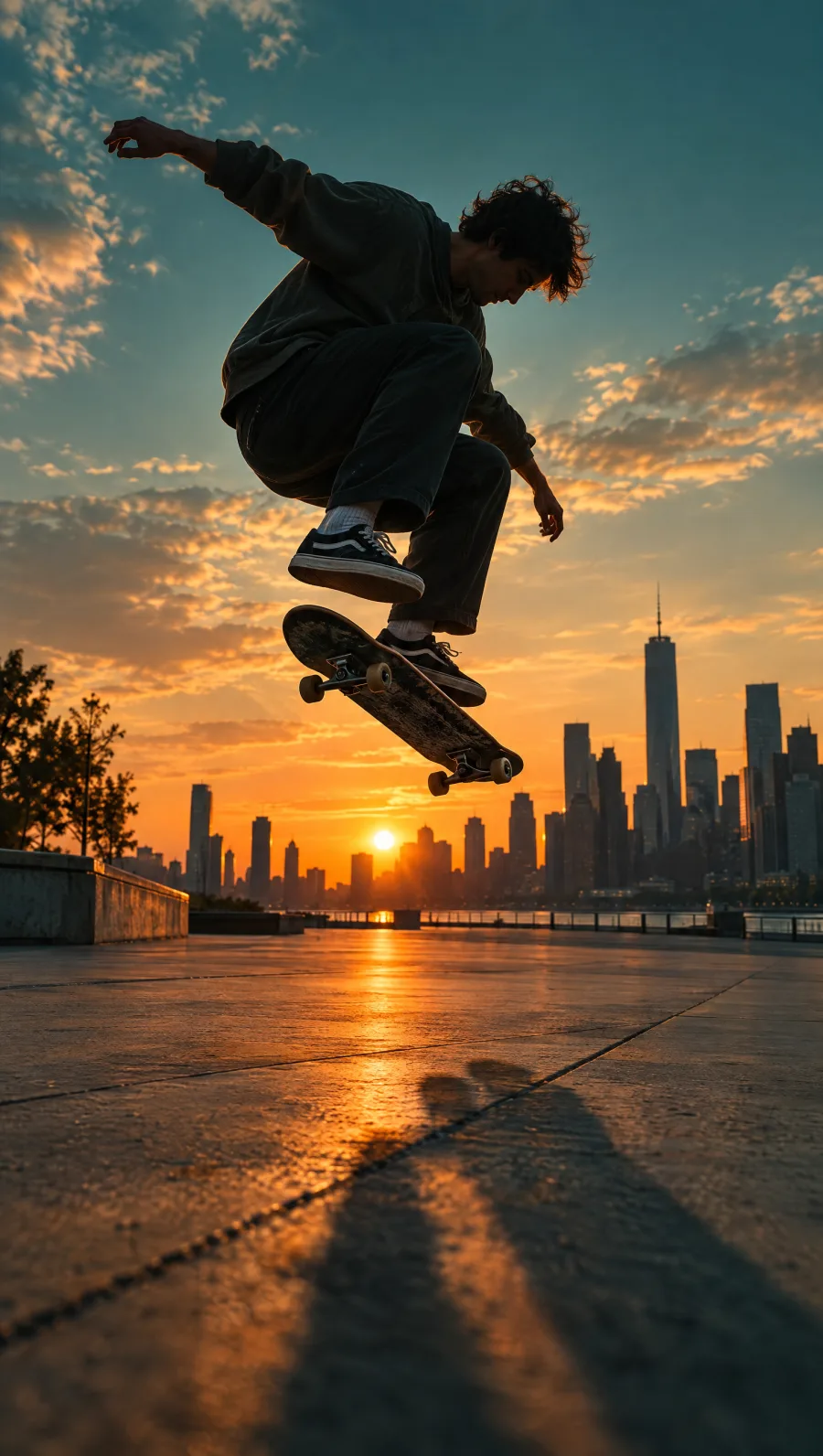
Send it
Edit by asking
Say what you want. Watch it happen.
Make the first three seconds punchier, add bold captions, and warm up the color.
- Cut 1.4 seconds from the opening
- Added a hook title for the first 2 seconds
- Captions in Bold pop, inside the safe area
- Warmer, richer color on every clip
Captions
Captions people actually read.
Captions are timed to every word you say, in styles made to be read on a phone. Change the font, colors, and animation, or save your own style.
THIS ONE CHANGE DOUBLED MY VIEWS
Your next post
Edit like a pro, without learning like one.
Captions, color, sound, and every shape for every platform, done by asking. Your next video is closer than you think.
Every format
One edit, every feed.

Color
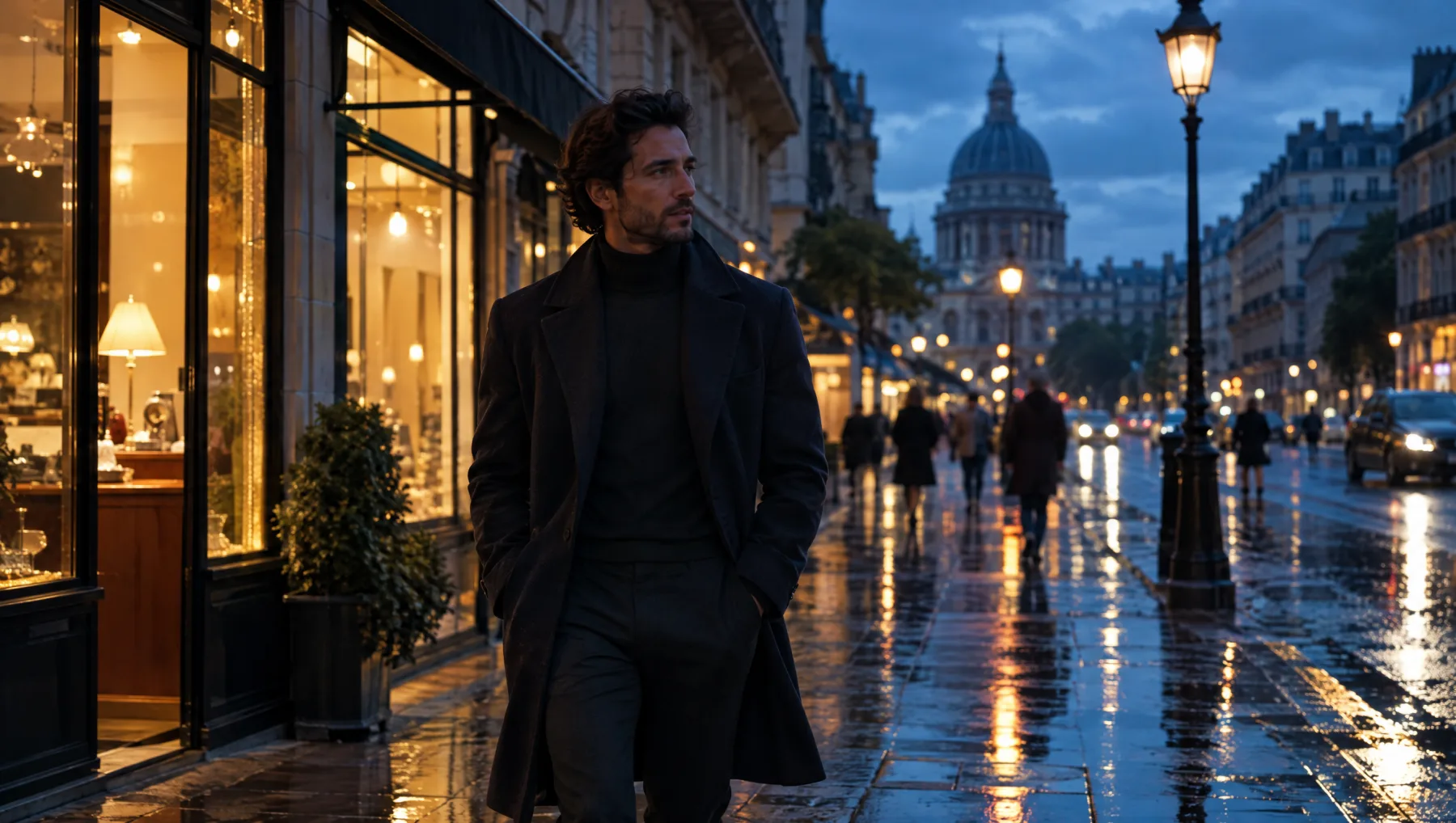
Footage that looks like a film.
Sound
Audio that sounds finished.
Everything in one place
Less hunting, more posting.
Templates
Start from a finished edit and swap in your clips.
Music and sound
A library ready to drop in, plus your own audio.
Text styles
Titles and lower thirds that look designed.
Transitions
Fades, pushes, zooms, and spins between clips.
Stickers and shapes
Arrows, badges, and shapes that move.
Your brand kit
Your logo, colors, and fonts, one click away.
Create with AI
Generate an image, a clip, a voiceover, or music.
Dub
The same video in another language, in a natural voice.
Safe zones
Guides for where each app puts its buttons.
Post it
Finished, and already posted.

Questions
About the Video Editor.
Included in every plan, with credits for AI work each month. Compare plans
What is an AI video editor?
A video editor where AI does the slow parts for you. In LiteSurface you can ask for changes in plain words (tighten the opening, add captions, warm up the color) and the Video Agent makes them on your timeline, where you can adjust anything by hand.
Do I need editing experience?
No. Start from a template or just drop in your clips and ask for what you want. If you do know editing, everything is there: tracks, trims, keyframes, transitions, color, and a full audio mixer.
How do the captions work?
Captions are made from what is said in your video, timed to every word. Pick a style, change the font, colors, and animation, and they stay in sync when you trim.
Can I make versions for Reels, TikTok, Shorts, and YouTube?
Yes. Reframe turns one edit into vertical, square, portrait, or wide, and keeps the person or product in the shot. Safe-zone guides show where each app puts its buttons.
Can I post straight from the editor?
Yes. Export up to 4K and send the video to your Social Studio channels, posted right away or scheduled, or download the file.
Is there music I can use?
Yes. A built-in library of music and sound effects is ready to drop in, alongside your own uploads.
Your next video, edited before lunch.
Drop in your clips, say what you want, and post every format from one edit.